
The app is live.
Keep asking if it works.
Your coding assistant helped you get it out the door. Users are arriving. The next question is whether it keeps doing what you built it to do.
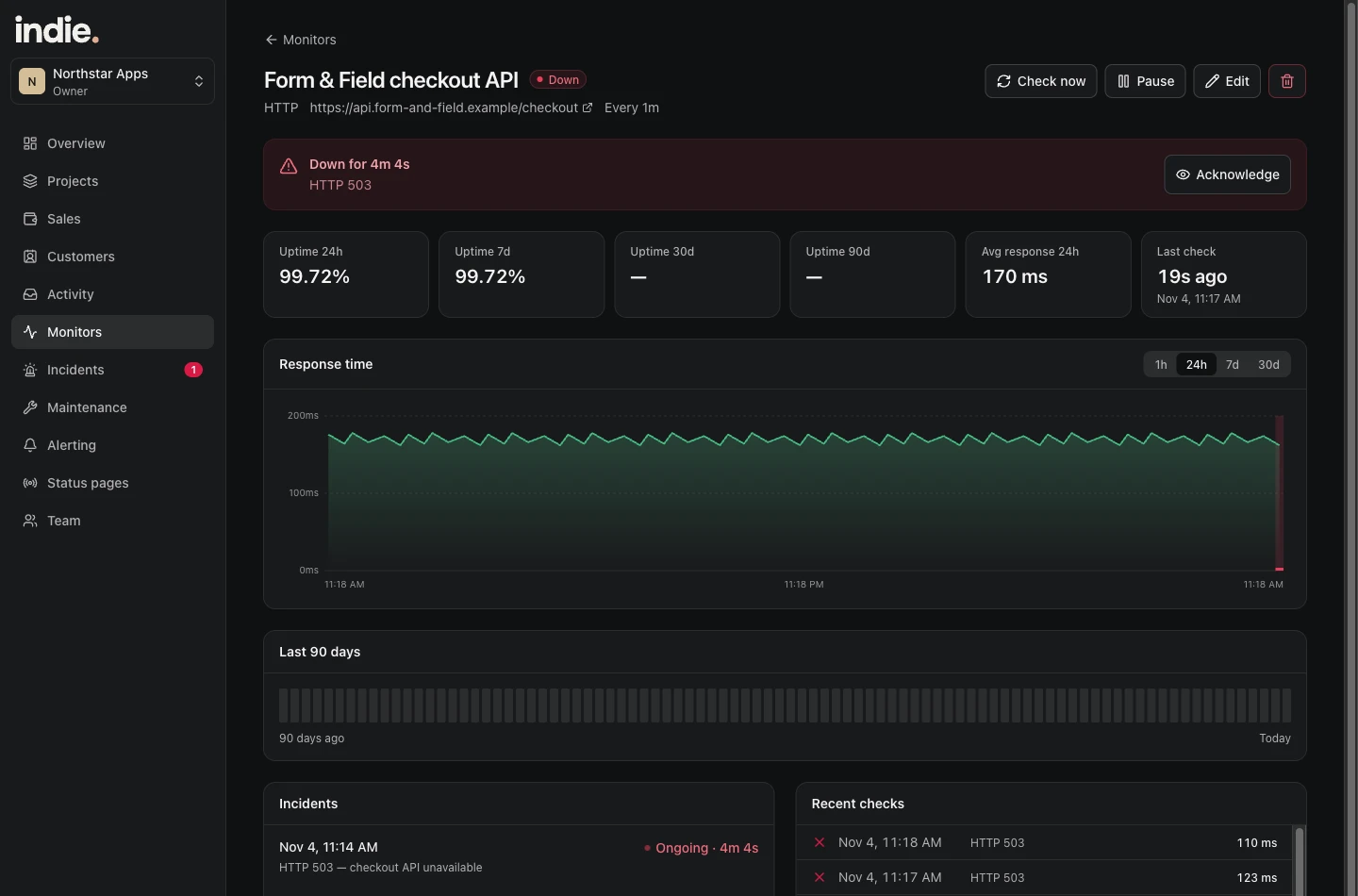
A successful deploy is one check, not the whole picture
Your host can report a successful deployment while an API returns an error or a scheduled job never runs. Start with the parts users depend on: a useful endpoint, a certificate and the job behind a promise you made them.
Indie watches configured signals. It does not audit generated code or certify that an app is secure. Keep tests, backups and access controls in your setup.
Give your coding assistant a small, specific job
Ask it to add a server-side integration that sends an Indie event after a confirmed purchase or important job result. Store the project key in a server environment variable and use a stable idempotency key for retries.
Do not ask it to put a secret in browser code. Do not count a sale when someone clicks the buy button. Send the event after the payment is actually confirmed.
Watch for the job that goes quiet
A nightly report can fail while every web page still loads. Give that job a heartbeat and choose a schedule and grace period that match its real behavior.
If a heartbeat is late, you have a specific reason to look. You are not depending on a customer to notice that yesterday’s report never arrived.
Keep your next step obvious
A custom alert can tell you that a report failed; the monitor history can tell you when an API stopped responding. Use that context with your own logs and coding tools to find and fix the cause.
Indie is there to help you notice and investigate. It does not repair the app, replace a security review or run an entire browser checkout test.
Make the first connection.
The setup guide covers project creation, monitoring, Stripe options and custom events. The product is still in private testing; you can explore the screens and ask about early access now.
Read the setup guideFor the apps you keep coming back to.
Start with your first project. Add a useful check and see your app’s activity in one place.
Start free trialSee launch pricing