
Your apps can reach you
when you’re away from the desk.
See a sale, check an outage, or take a quick look at today’s numbers. The iPhone app is a companion to your Indie workspace.
A sound for the good news.
A new purchase can play a sale sound. Choose the sounds and quiet hours that fit your day; you do not need to celebrate every transaction at full volume.
Outage and recovery alerts have their own sounds. The useful part comes next: tap into the purchase or affected monitor and see the details.
One tap should take you somewhere useful.
A sale notification opens its event. A monitor notification opens the system behind it, with its status and incident history. You should not have to remember a project name from a banner and hunt for it afterward.
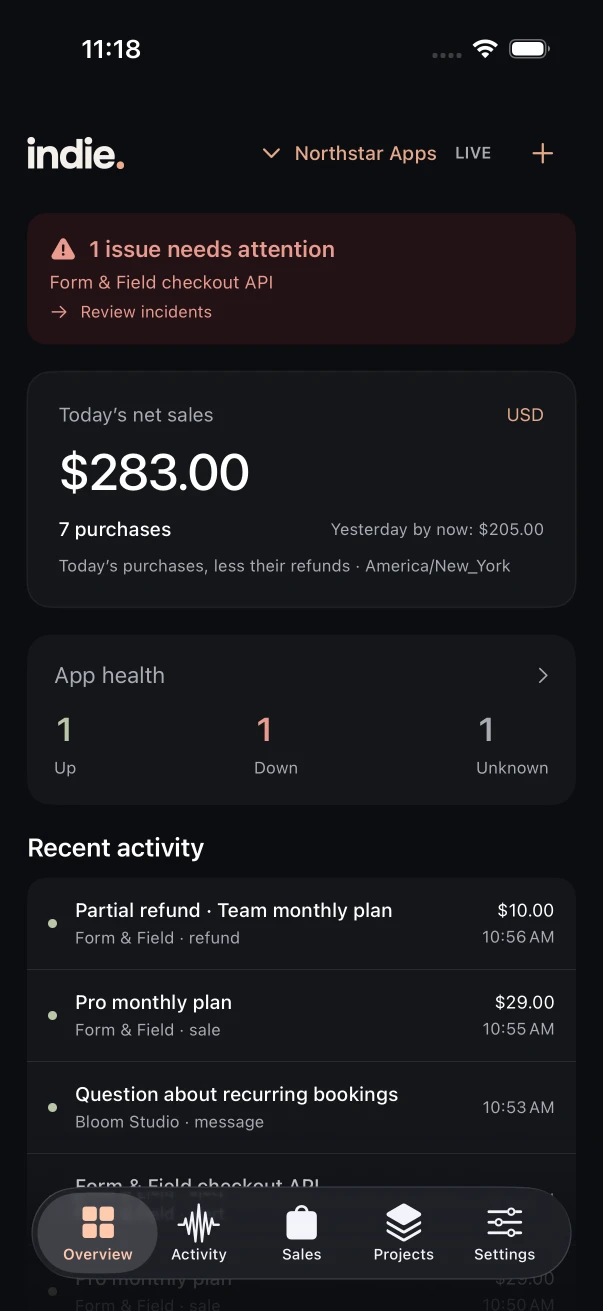
The small check
between everything else.
Choose a focus for each widget: Balanced, App health or Sales. Balanced shows apps up, down and unknown alongside daily revenue and purchase count. A visible timestamp tells you how fresh the snapshot is.
iOS chooses when widgets refresh in the background. Open the app for the latest details; the widget is not a live incident console.
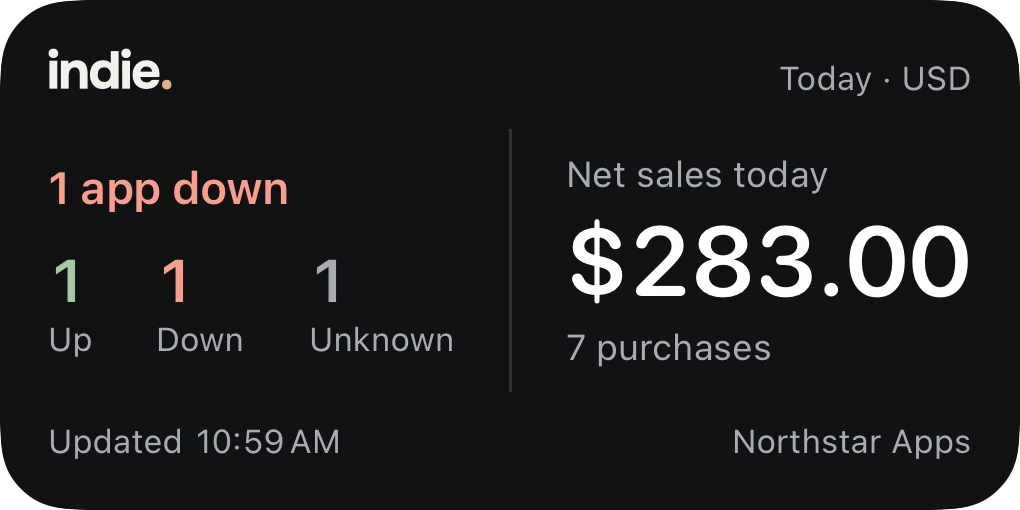
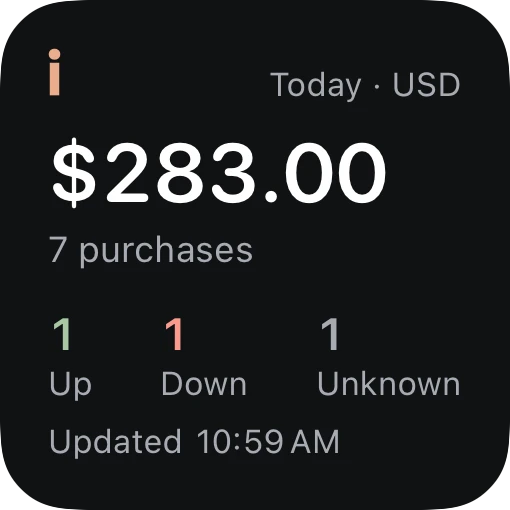
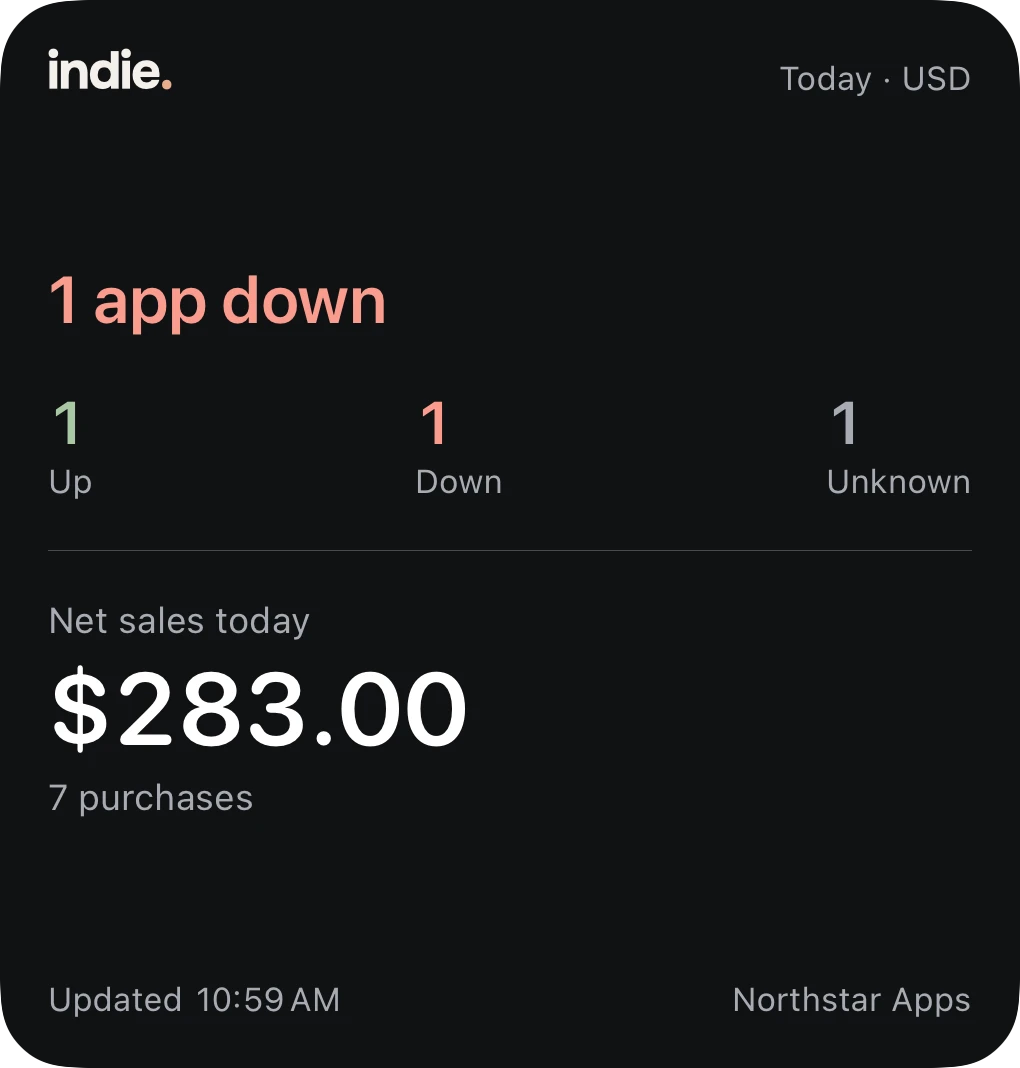
Actual native widget views, rendered with example data.
Your lock screen is still your lock screen.
Notification previews can be controlled. Keep sensitive customer details out of a banner, then open the app when you want more context.
iPhone permissions, notification volume, Silent Mode and Focus still apply. Indie does not promise to override them. Test a notification after setup so you know what you will hear.
A web account. A free companion app.
The launch plan is a web subscription with a free iPhone companion. There is no separate per-project iPhone charge; the plan includes up to three enabled devices.
The iPhone app is in private testing. An App Store release is still ahead, so there is no download button or release date to promise yet.
Ask about testing Indie